
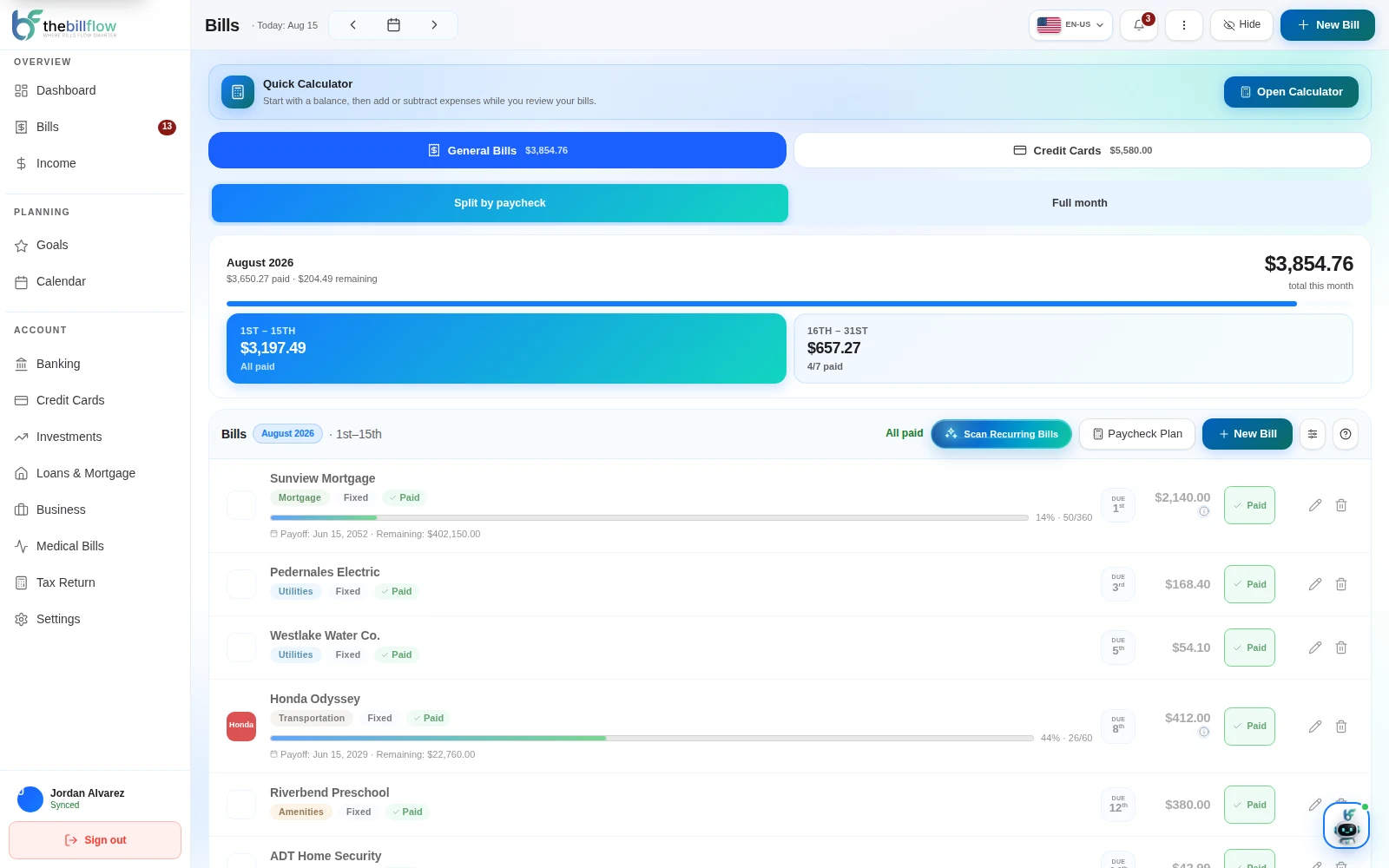
Know what’s due.
Before it’s overdue.
Track bills and recurring charges, see due dates and plan payments around your paycheck.
 Explore the product tour ↗
Bills, credit cards and income, together. See what’s due, what’s paid and what you have left—before the month gets ahead of you.
Free plan available · No credit card required
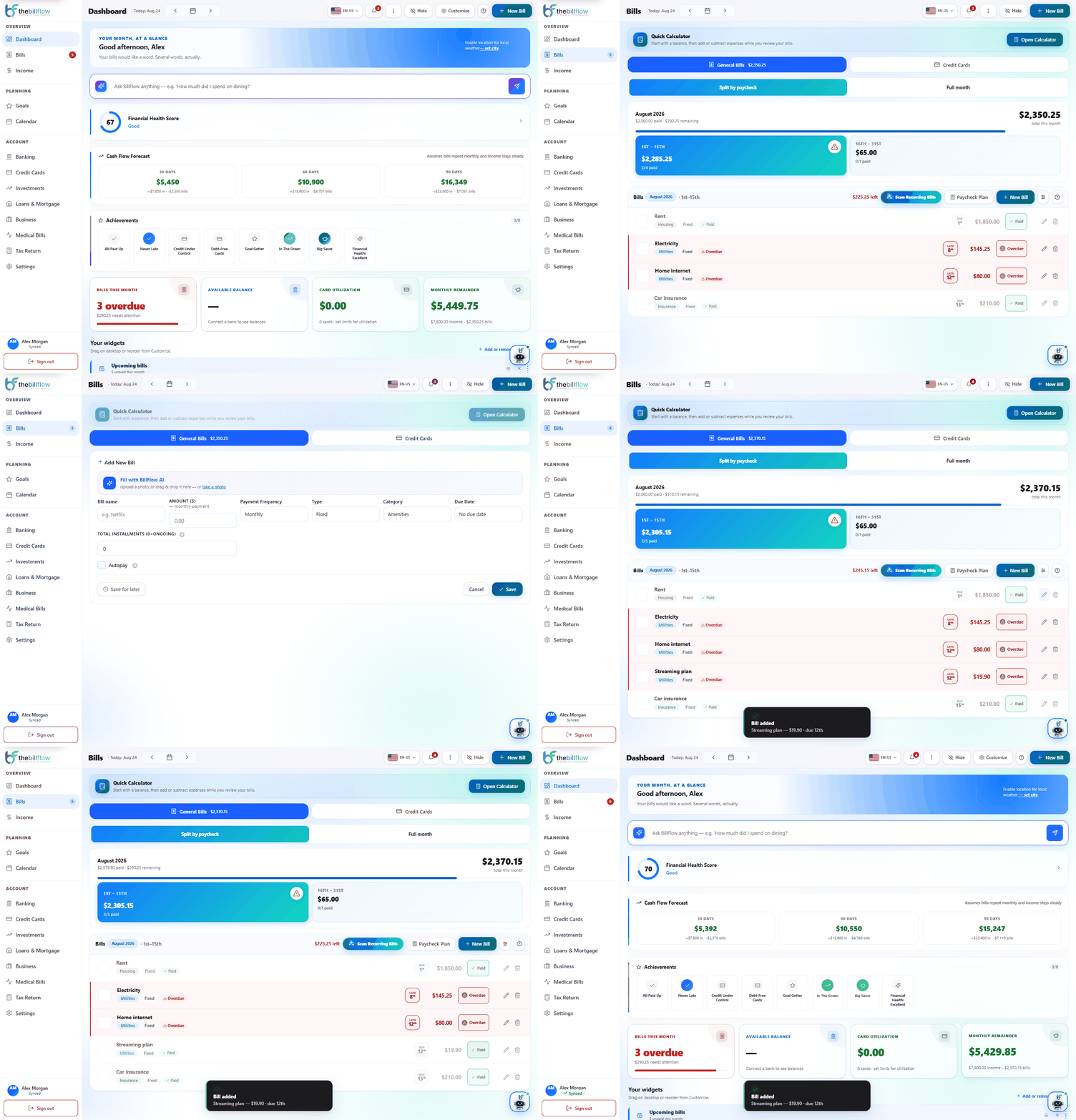
A short tour of the real platform. Follow a bill from your dashboard to paid, using fictional data.
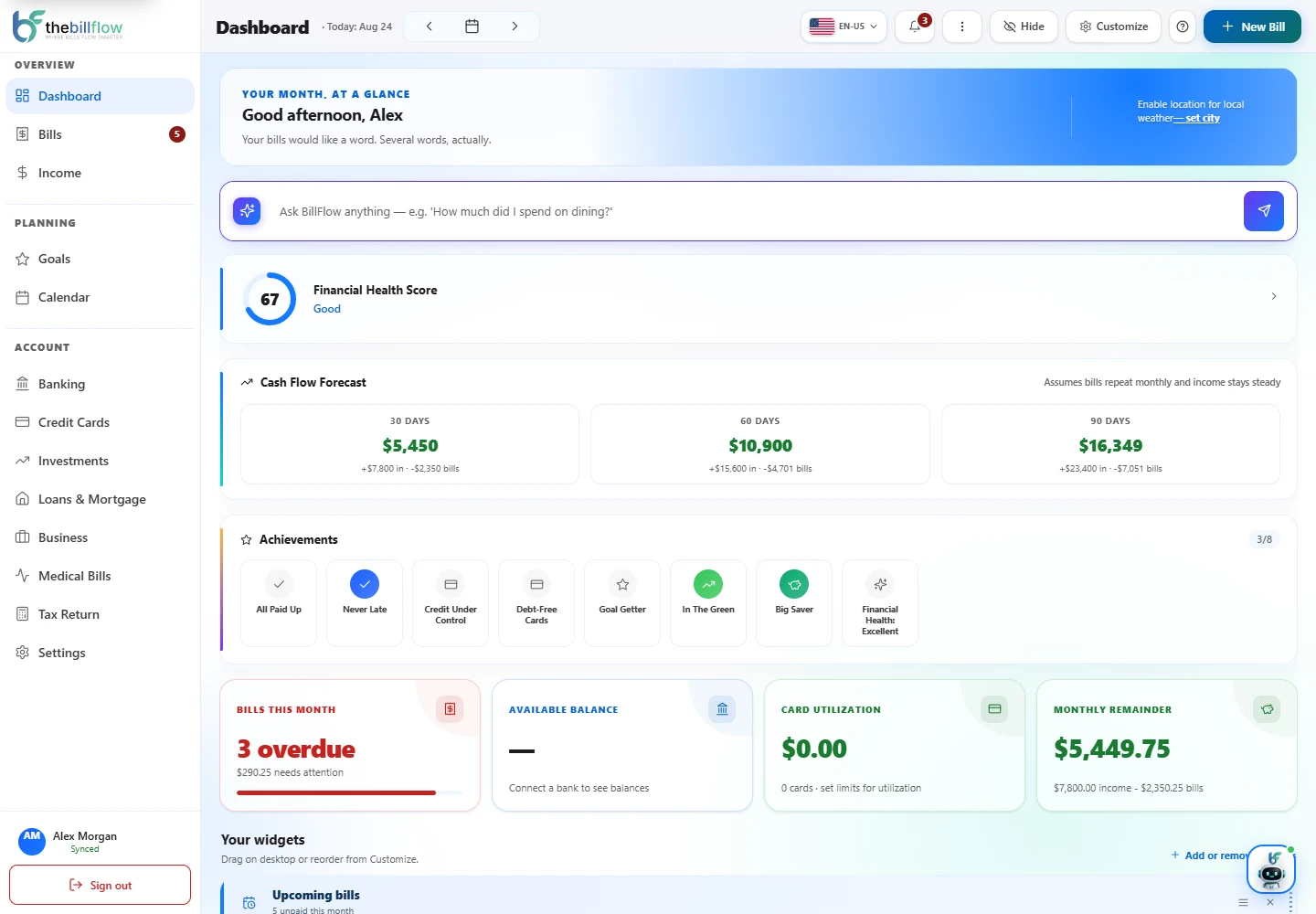
See bills, income and your cash flow forecast on the actual BillFlow dashboard.
Recorded in BillFlow with fictional data. This tour does not connect accounts or make payments.
Start with bills. Bring in the rest of your financial life when you need it.
Track bills and recurring charges, see due dates and plan payments around your paycheck.
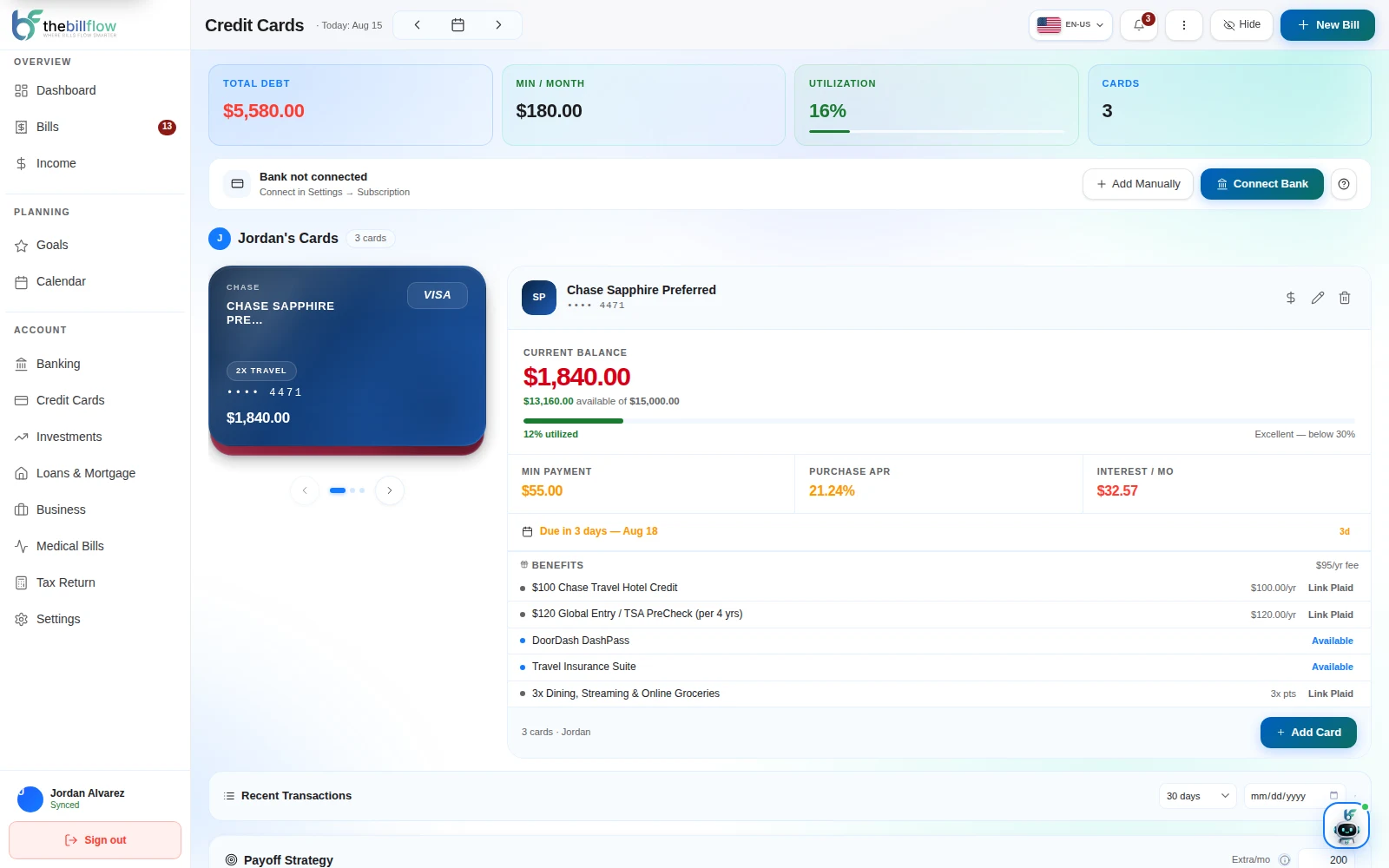
Explore the product tour ↗Compare paying your highest-interest cards first with paying the smallest balances first. See the difference in time and interest.
 Compare plans ↗
Keep household bills in one view and choose what to share. Family supports 2 members; Premium supports 5.
You control what you share.
Organize paychecks and upcoming due dates in one schedule.
Track savings goals and loan balances alongside your bills.
Keep your investment portfolio in view with Premium.
Track medical costs and payment plans with Family or Premium.
Organize side-business income and expenses with Premium.
Organize deductible expenses into a Schedule C-style summary with Premium. This is an organizing tool, not tax advice.
Bank connections run through Plaid. BillFlow receives financial information to help you track your money, without storing your bank password.
Read the privacy policy ↗BillFlow tracks balances and transactions. It cannot move your money.
Keep personal accounts private and share household information when you want to.
Add bills manually and explore the platform at your own pace.
Bills, business and medical costs. See what you can bring together with BillFlow.
| Features | BillFlowYour finances, together | CopilotMoney | RocketMoney | Monarch |
|---|---|---|---|---|
| Ongoing free plan | ||||
| Bills & recurring charges | ||||
| Income & cash flow | ||||
| Savings goals | ||||
| Household account sharing | ||||
| Investment portfolio tracking | ||||
| Avalanche vs. Snowball comparison | ||||
| Business income & expenses | ||||
| Tax-preparation tools | ||||
| Dedicated medical-bill tracking | ||||
| CSV data export | ||||
| Access from a web browser |
Swipe the table sideways to compare all apps ↔
Some features require a paid plan. See plan details below.
Find your BillFlow plan ↗Reviewed September 7, 2026. A check indicates availability, not identical functionality. A dash means the feature was not confirmed in the reviewed sources, not that it is unavailable.
BillFlow: medical tracking on Family and Premium; business and tax tools on Premium. Monarch: business and tax tools on Plus. Competitor prices are linked below; BillFlow prices are shown in the Plans section.
Prices in USD. Paid plans include a 7-day free trial.
Monthly billing selected. Cancel anytime from Settings.
Get organized with the essentials.
For households sharing bills and cards.
For business, investments and tax organization.
Bank connections are read-only. Cancel anytime from Settings. Annual plans are charged for the full year.
Family: 3 extra connections for $2.99/month. Premium: 5 extra for $4.99/month. Manual accounts do not count toward the connected-account limit.
BillFlow is a personal and household finance platform that brings your bills, credit cards, due dates, and financial planning into a single dashboard, so you stop checking multiple apps and spreadsheets separately.
No. BillFlow never stores your bank login or password. The connection runs through Plaid, the same infrastructure used by thousands of finance apps, and your credentials go straight to your bank or Plaid. It never goes through BillFlow's servers.
Yes. BillFlow tracks statements, due dates, and limits, and compares payoff strategies (Avalanche vs. Snowball) month by month to show which one saves you more in interest for your specific cards.
Yes. You can share visibility of bills, cards, and income with other household members while keeping anything personal private. Everyone controls what they share.
Yes. BillFlow includes a business tracker for side income and expenses, plus a tax return helper that organizes deductible expenses into an IRS Schedule C-style summary. It's an organizing tool, not tax advice; always confirm with a tax professional.
Yes. The Free plan covers bill tracking, your pay schedule, and a calendar view. Family ($14.99/mo) adds credit cards, medical bills, and bank sync for up to 2 members (15 connected accounts). Premium ($29.99/mo) unlocks business tracking, investments, the tax return helper, and up to 5 members (45 connected accounts). Paid plans include a 7-day free trial. See the full plan comparison.
You'll get a clear heads-up before it becomes a problem, with three options: add a small connection add-on ($2.99/mo for 3 more on Family, $4.99/mo for 5 more on Premium), upgrade plans, or add the account manually instead — manual accounts are always unlimited and never count toward the limit.
No. Marking a bill as paid updates your records in BillFlow. Make the actual payment through your bank or bill provider.
Open Settings, then Subscription, to manage or cancel your plan. Review the cancellation details shown there before confirming.
Start with your first bill. Build a clearer picture from there.
Free plan available · No credit card required
Request the free bill-payoff checklist and updates about new features. Unsubscribe anytime.